Artificial Intelligence
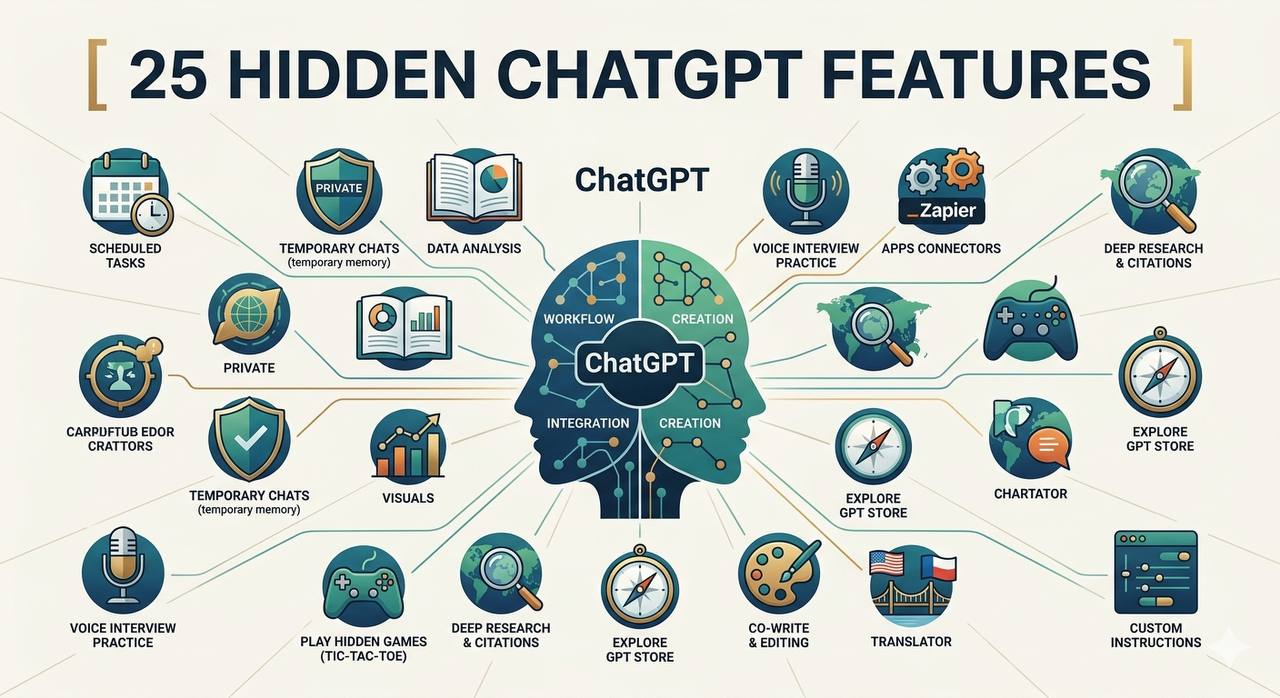
25 Hidden ChatGPT Features Most Users Don't Know About
Discover 25 useful ChatGPT features that many users overlook, from file analysis and image understanding to coding assistance and productivity tools.
Contents
25 Hidden ChatGPT Features Most Users Don't Know About
Most people use ChatGPT for simple questions, quick summaries, or writing assistance. However, the platform offers many capabilities that remain surprisingly underused.
Some of these features can save time, improve learning, and make daily work significantly easier. Whether you're a student, developer, researcher, or casual user, there is a good chance you are only using a small fraction of what ChatGPT can do.
Here are 25 useful features that many users overlook.
1. Upload Documents for Analysis
You can upload PDFs, reports, research papers, and other documents and ask ChatGPT to summarize, explain, or extract information.
2. Analyze Images
ChatGPT can understand screenshots, charts, diagrams, photos, and user interfaces.
3. Explain Complex Topics
Instead of reading multiple articles, you can ask for simplified explanations of difficult concepts.
4. Generate Study Notes
Students can turn large chapters into concise revision notes.
5. Create Practice Questions
ChatGPT can generate quizzes and test questions from study materials.
6. Summarize Long Articles
Long blog posts and reports can be condensed into key points within seconds.
7. Compare Products
You can compare phones, laptops, software, and services side by side.
8. Debug Code
Developers can paste code and receive explanations for errors and possible fixes.
9. Review Project Structure
ChatGPT can suggest cleaner project organization and architecture.
10. Generate Code Examples
It can produce examples in languages such as Python, JavaScript, C++, Java, and more.
11. Convert Code Between Languages
Useful when migrating projects from one technology stack to another.
12. Create Learning Roadmaps
You can request structured plans for learning programming, cybersecurity, AI, or any technical skill.
13. Write Professional Emails
ChatGPT can draft professional messages for clients, employers, or colleagues.
14. Improve Existing Writing
It can rewrite text for clarity, grammar, and readability.
15. Generate Content Ideas
Writers and creators can use it for brainstorming article and video topics.
16. Build Project Plans
Large ideas can be divided into practical development tasks.
17. Explain Error Messages
Instead of searching forums, users can get direct explanations.
18. Analyze Tables and Data
Structured data can be reviewed and summarized quickly.
19. Create Checklists
Useful for projects, studies, travel plans, and daily productivity.
20. Generate Interview Questions
Helpful for job preparation and technical interviews.
21. Practice Conversations
You can simulate customer interactions, interviews, or language practice.
22. Translate Text
ChatGPT supports many languages and can explain translation nuances.
23. Create Marketing Ideas
Businesses can generate campaign concepts, slogans, and content outlines.
24. Review Technical Documentation
Large technical documents can be simplified and explained.
25. Act as a Specialized Expert
One of the most powerful features is assigning a role.
For example:
Act as a senior cybersecurity engineer.

Explain how this vulnerability works and recommend mitigation strategies.
The more context you provide, the better the results.
Common Mistakes
Many users believe ChatGPT is inaccurate when the real problem is insufficient context.
Short prompts often produce generic answers. Detailed prompts generally lead to more useful results.
Users should also avoid sharing passwords, private keys, sensitive company information, or confidential personal data.
Final Thoughts
ChatGPT has evolved far beyond a simple chatbot. It can assist with learning, programming, research, writing, planning, and productivity.
Most users only use a small percentage of its capabilities. Learning these hidden features can help you work more efficiently and get significantly more value from the tool.

Related articles
Artificial Intelligence
Best ChatGPT Prompts for Programmers in 2026
15 practical ChatGPT prompts that help programmers write better code, debug faster, learn new technologies, and improve productivity.
Artificial Intelligence
The Best Free AI Tools in 2026
A practical guide to the best free AI tools for students, developers, writers, designers, and professionals in 2026.
Artificial Intelligence
Best Free AI Websites You Should Know in 2026
Discover the best free AI websites in 2026 for writing, coding, image generation, research, productivity, and learning.
Artificial Intelligence
ChatGPT vs Gemini vs Claude: Which AI Is Best in 2026?
A detailed comparison of ChatGPT, Gemini, and Claude. Learn the strengths, weaknesses, and best use cases of each AI assistant in 2026.