Contents
Best ChatGPT Prompts for Programmers in 2026
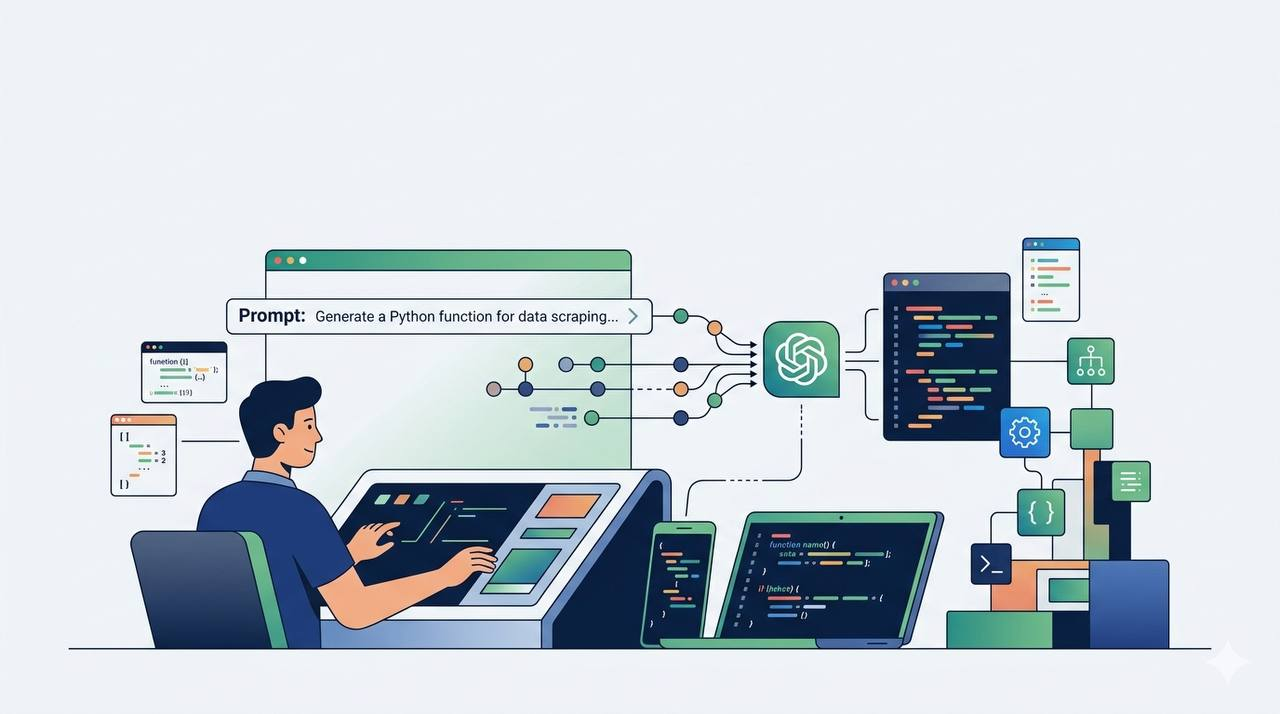
ChatGPT has become one of the most useful tools available to developers. It can explain code, help identify bugs, review projects, and even assist with learning new technologies.
The difference between a useful answer and a useless one often comes down to the quality of the prompt. Clear instructions produce better results, while vague requests usually lead to generic responses.
Below are 15 practical prompts that can help programmers and students save time and improve their workflow.
1. Explain Code Like I Am a Beginner
Explain this code step by step like I am a beginner.
Tell me what each part does, why it is used, and what would happen if I changed it.

Code:
[paste code here]
## 2. Find the Bug in My Code

One of the most common uses of ChatGPT is debugging. Instead of spending hours searching through documentation, you can ask ChatGPT to inspect your code and explain what went wrong.

```txt
Act as a senior software developer.

Find the bug in this code and explain the reason clearly.

Show me the exact line causing the issue and how to fix it.

Code:
[paste code here]

Error:
[paste error message]
3. Improve Existing Code
Many programs work correctly but can still be improved. ChatGPT can suggest cleaner structures, better naming conventions, and more readable code.
Review this code and improve it for readability, structure, and performance.

Keep the same functionality and explain the important changes.

Code:
[paste code here]
4. Explain Error Messages
Error messages can be confusing, especially for beginners. ChatGPT can translate technical errors into simple language.
Explain this error in simple language.

Tell me what caused it and how to fix it step by step.

Error:
[paste error here]
5. Create a Project Structure
Before writing code, it is useful to organize files properly.
Create a clean folder structure for this project.

Explain what each folder is used for.

Project:
[describe project]
6. Turn an Idea into Development Tasks
Large projects become easier when divided into smaller tasks.
Break this project idea into small development tasks.

Start with the simplest version first.

Project:
[describe your idea]
7. Learn a New Technology Faster
Learning a new framework or programming language becomes easier with a structured roadmap.
Create a beginner-friendly roadmap for learning [technology].

Focus on practical skills and real projects.
8. Convert Code Between Languages
Useful when moving projects between different technologies.
Convert this code from [language A] to [language B].

Explain the differences between both versions.

Code:
[paste code]
9. Add Professional Comments
Code comments can make projects easier to maintain.
Add clear comments to this code.

Explain important logic without over-commenting.

Code:
[paste code]
10. Generate Test Cases
Testing is often overlooked by beginners.
Create test cases for this function.

Include edge cases and invalid inputs.

Code:
[paste function]
11. Explain a Programming Concept
Useful when studying computer science topics.
Explain [concept].

Use simple language, real-world examples, and code examples.
12. Review Security Problems
A useful prompt for web developers and cybersecurity students.
Review this code for security problems.

Check authentication, validation, secrets, permissions, and API usage.

Code:
[paste code]
13. Make Code Production Ready
Working code is not always production-ready code.
Improve this code so it looks production-ready.

Focus on structure, naming, readability, and maintainability.

Code:
[paste code]
14. Build Features Step by Step
Large features become easier when implemented gradually.
I want to add this feature:

[feature]

Explain the implementation plan before writing code.

Then provide code one file at a time.
15. Critically Review My Code
Useful before publishing a project or submitting coursework.
Review this code critically.

Tell me what is weak, what can break, and what should be improved.

Code:
[paste code]
Common Mistakes When Using ChatGPT for Programming
Many developers assume ChatGPT is inaccurate when the real issue is poor instructions.
The most common mistake is providing too little context. If you do not include the framework, programming language, error message, or expected result, the answer will usually be generic.
Another mistake is copying generated code without understanding it. AI-generated code can contain performance issues, security problems, or outdated practices.
Developers should also avoid sharing passwords, API keys, private tokens, or sensitive company data.
Final Thoughts
ChatGPT can save developers a significant amount of time when used correctly.
It works best as a programming assistant that helps explain concepts, review code, identify mistakes, and accelerate learning.
The quality of the output depends heavily on the quality of the prompt. Learning how to ask precise technical questions is one of the most valuable skills a programmer can develop in 2026.

Related articles
Artificial Intelligence
25 Hidden ChatGPT Features Most Users Don't Know About
Discover 25 useful ChatGPT features that many users overlook, from file analysis and image understanding to coding assistance and productivity tools.
Artificial Intelligence
The Best Free AI Tools in 2026
A practical guide to the best free AI tools for students, developers, writers, designers, and professionals in 2026.
Artificial Intelligence
Best Free AI Websites You Should Know in 2026
Discover the best free AI websites in 2026 for writing, coding, image generation, research, productivity, and learning.
Artificial Intelligence
ChatGPT vs Gemini vs Claude: Which AI Is Best in 2026?
A detailed comparison of ChatGPT, Gemini, and Claude. Learn the strengths, weaknesses, and best use cases of each AI assistant in 2026.