Contents
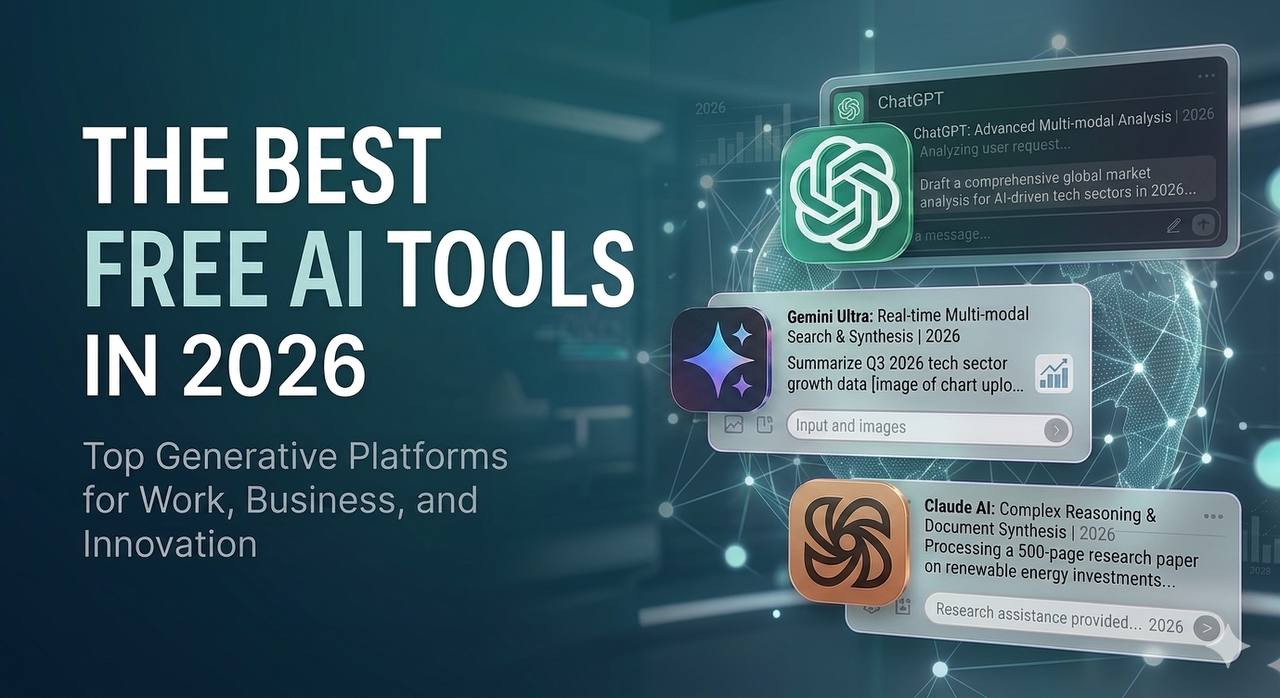
The Best Free AI Tools in 2026
Artificial Intelligence is no longer a luxury tool used only by large companies. In 2026, many powerful AI tools are available for free, giving students, developers, writers, designers, and business owners access to technology that can save hours of work every week.
The problem is not the lack of AI tools. The problem is choosing the right tool for the right task. Some tools are better for writing. Others are better for coding, research, design, automation, or studying.
This guide explains the best free AI tools in 2026, what each one is useful for, and how you can use them in a practical way.
Why Free AI Tools Matter in 2026
Free AI tools matter because they reduce the gap between beginners and professionals. A student can summarize lectures, a programmer can understand code faster, and a designer can create visual ideas without expensive software.
AI will not automatically make someone skilled. But it can help skilled people work faster, and it can help beginners learn more efficiently.
The real value of AI comes from knowing how to ask better questions, verify the answers, and use the results correctly.
1. ChatGPT
ChatGPT is one of the most popular AI assistants for general productivity, programming, writing, learning, and problem solving.
It can help you write emails, explain difficult topics, generate ideas, debug code, summarize text, and create structured plans.
Best uses
- Explaining programming concepts
- Writing and improving articles
- Creating study plans
- Debugging simple code
- Brainstorming ideas
- Summarizing long text
Practical example
A student can paste a difficult paragraph from a lecture and ask ChatGPT to explain it in simple language. A developer can paste an error message and ask for the possible reason behind it.
ChatGPT is powerful, but you should not trust every answer blindly. Always verify important technical, medical, legal, or financial information.
2. Google Gemini
Google Gemini is useful for users who rely on Google services and need AI support for research, writing, and productivity.
It can help with summarizing information, generating ideas, explaining topics, and working with content connected to Google’s ecosystem.
Best uses
- Research assistance
- Summarizing documents
- Writing drafts
- Explaining technical topics
- Generating ideas for projects
Gemini can be especially useful when you need fast explanations or want to compare information from different angles.
3. Claude
Claude is known for strong writing quality, long-form analysis, and careful explanations.
It is useful for people who work with long documents, technical explanations, structured writing, and complex reasoning.
Best uses
- Long article drafting
- Technical writing
- Code explanation
- Document analysis
- Professional emails
- Clear summaries
Claude is a strong choice when you want a more polished writing style or when you need help organizing complex ideas.
4. Perplexity AI
Perplexity is designed for research. Instead of giving only a direct answer, it usually provides sources that help you check where the information came from.
This makes it useful when accuracy matters.
Best uses
- Researching new topics
- Comparing tools
- Finding sources
- Learning technical concepts
- Checking recent information
If you are writing articles, Perplexity can help you understand the topic before writing. However, you should still review the sources yourself.
5. NotebookLM
NotebookLM is useful for students, researchers, and professionals who work with documents.
You can upload notes, PDFs, or study material and ask questions based on those files.
Best uses
- Studying for exams
- Summarizing lecture notes
- Understanding PDFs
- Creating revision notes
- Reviewing research material
The advantage of NotebookLM is that it focuses on the material you provide, which makes it useful for studying specific documents.
6. Canva AI
Canva AI helps users create designs, social media posts, presentations, posters, and simple visual content.
It is useful for people who are not professional designers but need clean and fast visuals.
Best uses
- Presentation design
- Social media graphics
- Posters
- Simple branding material
- Content creation
Canva is not a replacement for professional design skills, but it is excellent for fast visual work.
7. Cursor
Cursor is an AI-powered code editor designed for developers.
It helps programmers understand code, write new features, fix bugs, and move faster inside a project.
Best uses
- Writing code
- Explaining codebases
- Fixing bugs
- Refactoring code
- Learning new frameworks
For beginner programmers, Cursor can be very useful, but it should be used carefully. Do not copy code without understanding what it does.
8. GitHub Copilot
GitHub Copilot helps developers write code faster by suggesting code directly inside the editor.
It is especially useful for repetitive tasks and boilerplate code.
Best uses
- Code completion
- Writing functions
- Creating simple components
- Speeding up development
- Learning syntax
Copilot is helpful, but it can still suggest incorrect or insecure code. Developers should always review the output.
9. Grammarly
Grammarly is useful for writing better English. It helps improve grammar, clarity, tone, and readability.
For students, professionals, and content creators, this can improve the quality of emails, essays, articles, and documentation.
Best uses
- Correcting grammar
- Improving tone
- Writing professional emails
- Editing articles
- Improving clarity
If English is not your first language, Grammarly can be especially helpful.
10. n8n
n8n is an automation tool that helps connect apps and automate repetitive tasks.
It is useful for people who want to save time by creating workflows between tools.
Best uses
- Automating daily tasks
- Connecting APIs
- Sending notifications
- Managing data workflows
- Saving time on repetitive work
n8n is more technical than some tools on this list, but it is powerful for developers and advanced users.
How to Choose the Right AI Tool
The best AI tool depends on your goal.
If you want general help, use ChatGPT. If you want research, use Perplexity. If you work with documents, use NotebookLM. If you write long content, try Claude. If you design content, use Canva. If you code, try Cursor or GitHub Copilot. If you want better English writing, use Grammarly. If you want automation, use n8n.
Do not try to use every tool at once. Start with two or three tools and add more only when you actually need them.
Common Mistakes When Using AI Tools
Many people use AI tools incorrectly. The most common mistake is expecting perfect answers without giving clear instructions.
Another mistake is copying AI output without reviewing it. AI can make mistakes, especially with facts, code, security, and recent information.
You should treat AI as an assistant, not as a final authority.
Final Thoughts
Free AI tools in 2026 can save time, improve productivity, and help people learn faster. But the tool itself is not enough. The real advantage comes from knowing how to use it correctly.
Start with one problem in your daily workflow. Maybe you waste time writing emails, fixing code, studying long documents, or creating designs. Choose one AI tool that solves that problem and use it consistently.
AI will not replace effort, skill, or critical thinking. But it can make your work faster, cleaner, and more organized.

Related articles
Artificial Intelligence
25 Hidden ChatGPT Features Most Users Don't Know About
Discover 25 useful ChatGPT features that many users overlook, from file analysis and image understanding to coding assistance and productivity tools.
Artificial Intelligence
Best ChatGPT Prompts for Programmers in 2026
15 practical ChatGPT prompts that help programmers write better code, debug faster, learn new technologies, and improve productivity.
Artificial Intelligence
Best Free AI Websites You Should Know in 2026
Discover the best free AI websites in 2026 for writing, coding, image generation, research, productivity, and learning.
Artificial Intelligence
ChatGPT vs Gemini vs Claude: Which AI Is Best in 2026?
A detailed comparison of ChatGPT, Gemini, and Claude. Learn the strengths, weaknesses, and best use cases of each AI assistant in 2026.